


Google Business Profile for Home Care Agencies
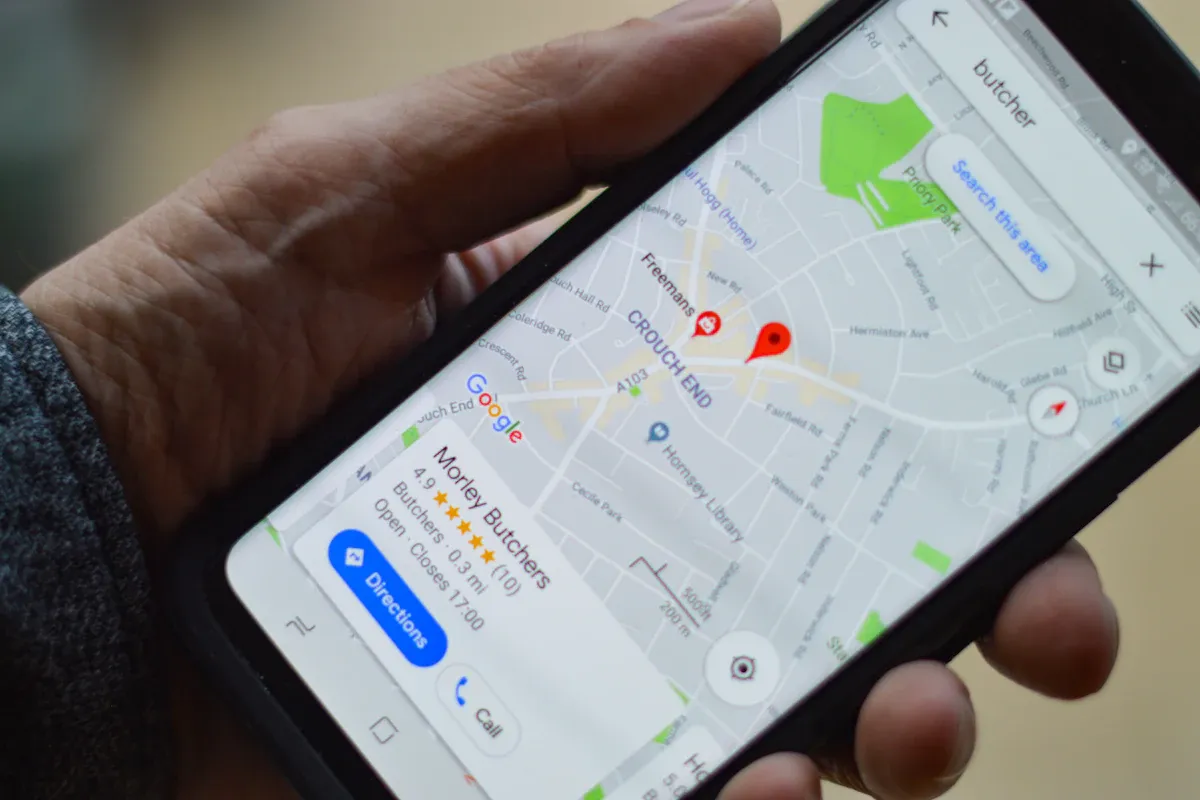
When a family searches "home care near me," the first thing they usually see is not a website. It is a map with a few local businesses listed below it.
That map pulls from Google Business Profiles. If your profile is incomplete, outdated or missing, you are invisible at the exact moment families are looking.
A Google Business Profile for a home care agency should list every service, the full service area, accurate contact details, real photos and regular updates. Most home care agencies serve clients in their homes, so set up as a service area business and hide your address if clients do not visit your office. Steady reviews and weekly posts keep your profile strong.
What you need before you start
Your exact business name, as it appears on your license and website
A local phone number and your website address
A list of services and the towns or zip codes you serve
Real photos of your team, office and caregivers, with permission
Business documents ready in case Google asks for video verification
Step 1. Claim or create your profile
Search for your agency on Google Maps. If a listing exists, claim it. If not, create one at Google Business Profile. Use your real business name with no extra keywords. Adding words like "best home care" to your name can get your profile suspended.
Step 2. Set up as a service area business
If families do not visit your office, choose the option that says you deliver services to customers, add your service areas and hide your street address. List the towns or regions you actually serve, not your whole state.
Step 3. Choose the right categories
Your primary category matters most. Pick the closest match to what you do, such as a home health care or senior care category. Add relevant secondary categories, but only ones that truly fit your services.
Step 4. List every service
Add each service separately: companion care, personal care, dementia care, respite care, 24 hour care, post hospital care and more. Write a short, helpful description for each one.
Step 5. Write a clear description
Explain who you serve, what you offer and what makes your agency different. Mention your main service areas naturally. Keep it honest and helpful, the way you would explain it to a family on the phone.
Not sure your profile is set up right? Request a free Visibility Audit.
Step 6. Add real photos and keep them fresh
Owner and office team
Caregivers, with their permission
Your office exterior, if you have one
Community events and trainings
Avoid stock photos and never post photos of clients without written permission.
Step 7. Post updates every week
Share caregiver spotlights, family tips, hiring announcements and community events. Weekly posts show families and Google that your agency is active.
Step 8. Ask for reviews and answer questions
Build a steady review habit and reply to every review. Our guide on getting more Google reviews walks you through it. Also check the Questions and Answers section and respond to anything families ask.
Example scenario: a profile refresh
Here is what a refresh might include. This is an illustration, not a client result.
Picture an agency with a basic profile: one category, no services listed, a single logo photo and no posts in a year. The owner adds every service with a description, sets accurate service areas, uploads twelve real team photos, writes a clear description and commits to one post every Monday.
The profile now gives families real reasons to call. If you want this done for you, explore our SEO for home care agencies service.
How to track your Google Business Profile
Calls from your profile. Shown in your profile's performance section.
Website clicks. How many people visit your site from the profile.
Searches you appear for. Look for service and town terms.
Reviews per month. Keep the flow steady.
Common Google Business Profile mistakes
Keyword stuffing the name. Use your real business name only.
Listing a virtual office or mailbox. This often leads to suspension.
Empty services section. List every service you offer.
No photos or posts. An inactive profile loses trust.
Mismatched information. Keep name, phone and website identical everywhere.
Profile checklist at a glance
Section | What to do |
|---|---|
Name | Exact legal or brand name |
Address | Service area business, address hidden if no visits |
Categories | Closest primary, relevant secondary |
Services | Every service with a description |
Photos | Real team photos, refreshed often |
Posts | Weekly updates |
Reviews | Steady requests and replies |
Google Business Profile FAQ
Does a home care agency need a Google Business Profile?
Yes, most home care agencies benefit from a Google Business Profile because it helps families find you in local map results. It shows your services, reviews, photos and phone number in one place. Keep it complete and active so families and Google see an agency they can trust.
Should I hide my address on my Google profile?
If families do not visit your office, set up as a service area business and hide your address. List the towns you serve instead. If clients or families do come to your office during business hours, you can show your address. Always use a real location, never a virtual office.
Why was my Google Business Profile suspended or denied?
Profiles are often suspended or denied for keyword stuffed names, virtual office addresses, mismatched information or failed verification. Review Google's guidelines, correct any issues, gather business documents and request reinstatement or verify again. Accurate, consistent information is the best protection.
How often should I post on my Google Business Profile?
Post on your Google Business Profile about once a week. Share caregiver spotlights, family tips, events and hiring news. Consistent posts keep your profile looking active and give families more reasons to trust your agency before they call.
Related reading
Ready to show up in the map?
You now know how to set up a Google Business Profile that helps families find and trust your agency.
Want to know how your profile stacks up? Our free Visibility Audit reviews your Google presence and website and shows you the top three fixes to make first.
Claim Your Free Visibility Audit
No pressure and no long contract. Just a clear next step.